Tutorial
Structuring a 60-second explainer without overcrowding it
An illustrative timing plan for a one-minute explainer, with a clear promise, a worked sequence and a method for cutting excess information.

A sixty-second explainer needs a clear hierarchy of information. Start with one promise, give each shot a purpose and test the timing in a rough film. The goal is not to fit the maximum number of facts into a minute; it is to make the important relationship understandable.
Define the one thing the viewer should retain
Complete the sentence: after this film, the viewer should understand how to do or recognise this one thing. If the answer contains several separate benefits, technical explanations and company history, the brief may describe more than one film.
Choose the central promise and list the information genuinely needed to support it. Keep useful secondary detail for another page, a longer film or a follow-up. A short explainer should leave the viewer oriented, rather than prove that the team knows everything about the subject.
Draft a timing map without treating it as a formula
For an illustrative refill-service explainer, try this starting structure:
- 0–8 seconds: establish the everyday problem and who it affects.
- 8–18 seconds: introduce the service and its central idea.
- 18–42 seconds: show the three important actions in a clear sequence.
- 42–53 seconds: show the resulting situation or clarify a key condition.
- 53–60 seconds: give one next step and a readable end frame.
These ranges are an example, not an industry requirement. A different audience or delivery placement may need a different opening or more time on the final action. The timing map is useful because you can change it before polishing the artwork.
Give each shot and sentence a job
Write beside every shot what it adds. If the narration explains a refill arriving while the picture introduces an unrelated benefit, the viewer has two tasks at once. Align the picture with the thought currently being explained, unless the contrast is intentional and easy to follow.
Avoid using on-screen paragraphs to rescue an overloaded voiceover. A title can name the current idea, while the animation shows the relationship. If both repeat the entire same sentence, ask whether one can be simpler.
For the refill example, three actions might be choose, receive and replace. Show a distinctive moment for each. Do not add a second ordering journey merely to fill a gap in the layout.
Test the rough film before final animation
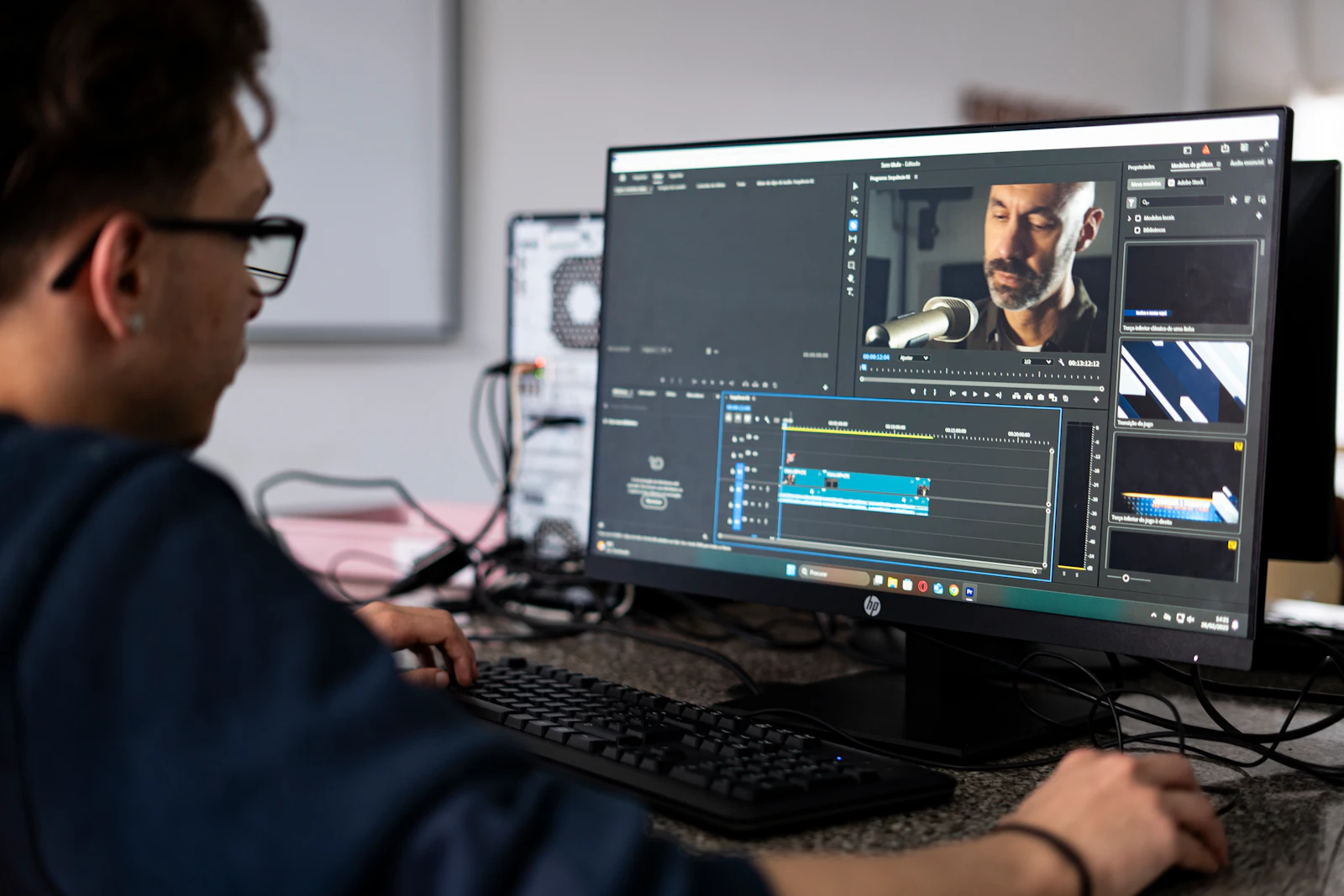
Make a timed version using rough frames, simple transitions and a provisional voice track if needed. Read the script aloud and preserve pauses for understanding. Do not assume a universal word count guarantees that a sixty-second film feels comfortable.
Blender Studio's Charge previsualisation article shows how rough imagery can help judge cinematic ideas. It is a film-production example, not a one-minute advertising template. Its relevant lesson is to inspect the sequence before spending effort on its final appearance.
Give the rough version to someone who did not write it. Ask them to explain the process back. Their account is often more useful than asking whether they liked the style.
Cut by priority, not by speeding everything up
If the film is too long, identify the least necessary idea first. Remove repeated proof, combine shots that do the same job or move a secondary condition to supporting material where appropriate. Do not remove a condition that changes the meaning of the claim.
Then review transitions and holds. A hold that gives the viewer time to read may be essential; a decorative transition may not be. Speeding the entire timeline can preserve every element while making none of them clear.
Before final production, check the opening's relevance, the order of actions, reading time and the single next step. Review the intended sound-off version too. A readable, coherent rough cut is a stronger starting point than a polished sequence with an unresolved message.
Sources and visual references
- Charge Previsualization — Blender Studio / Hjalti Hjalmarsson
Original previsualisation discussion with visual comparisons; demonstrates rough sequencing rather than a fixed advertising structure.
- Add, edit, and animate text — Adobe Learn / Sarah John
Adobe’s text-animation lesson provides practical visual examples for simple headings and paragraph text.
Related reading
Cover image
- Cover illustration: Med Badr Chemmaoui / Unsplash.
Editorial illustration of the article topic.
- Image licence — Unsplash
Free use, including commercial use, under the Unsplash License.