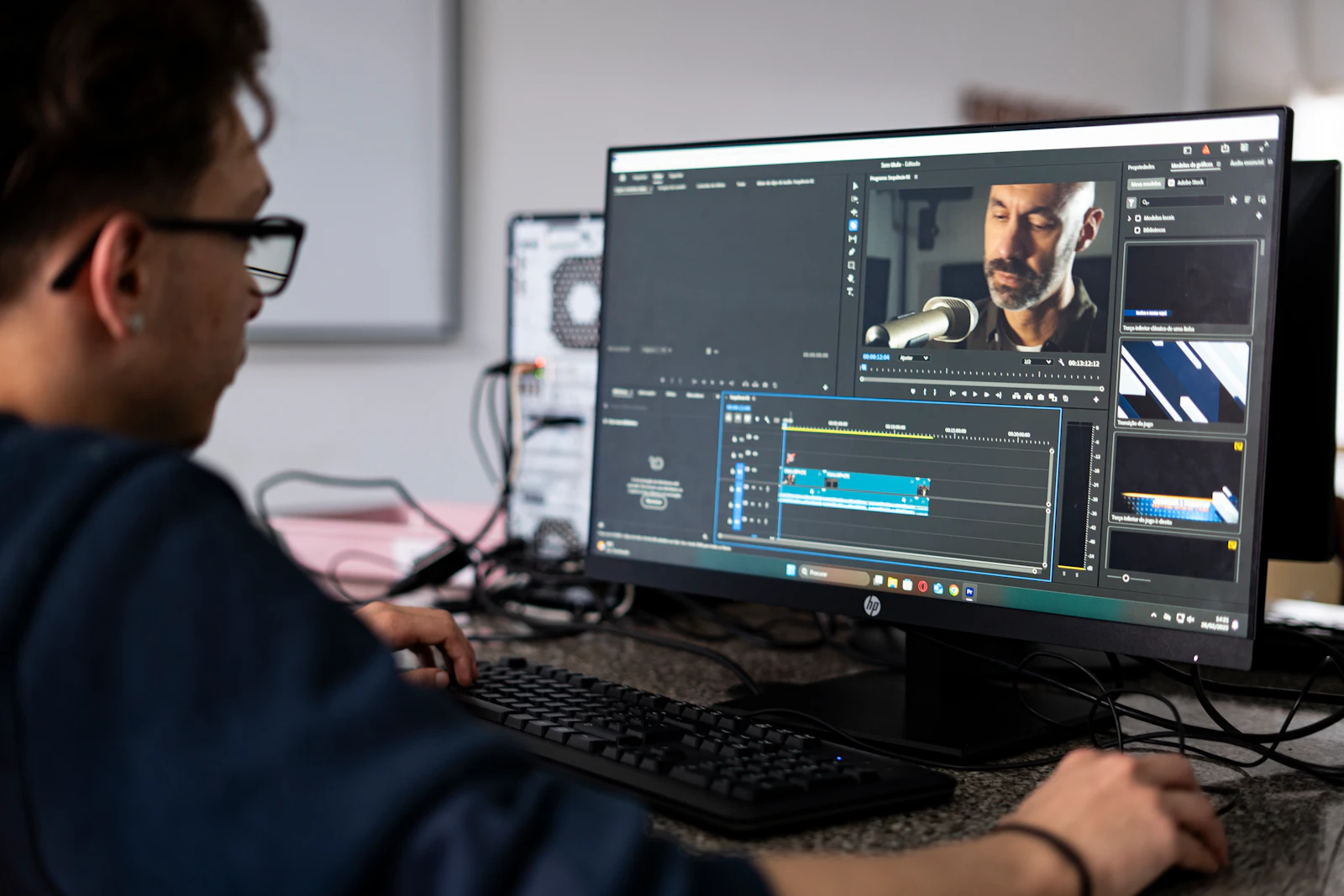
Tutorial
Sound design for short product animations
A small sound-planning exercise for product animation, covering action cues, material character, space, the mix and the sound-off version.
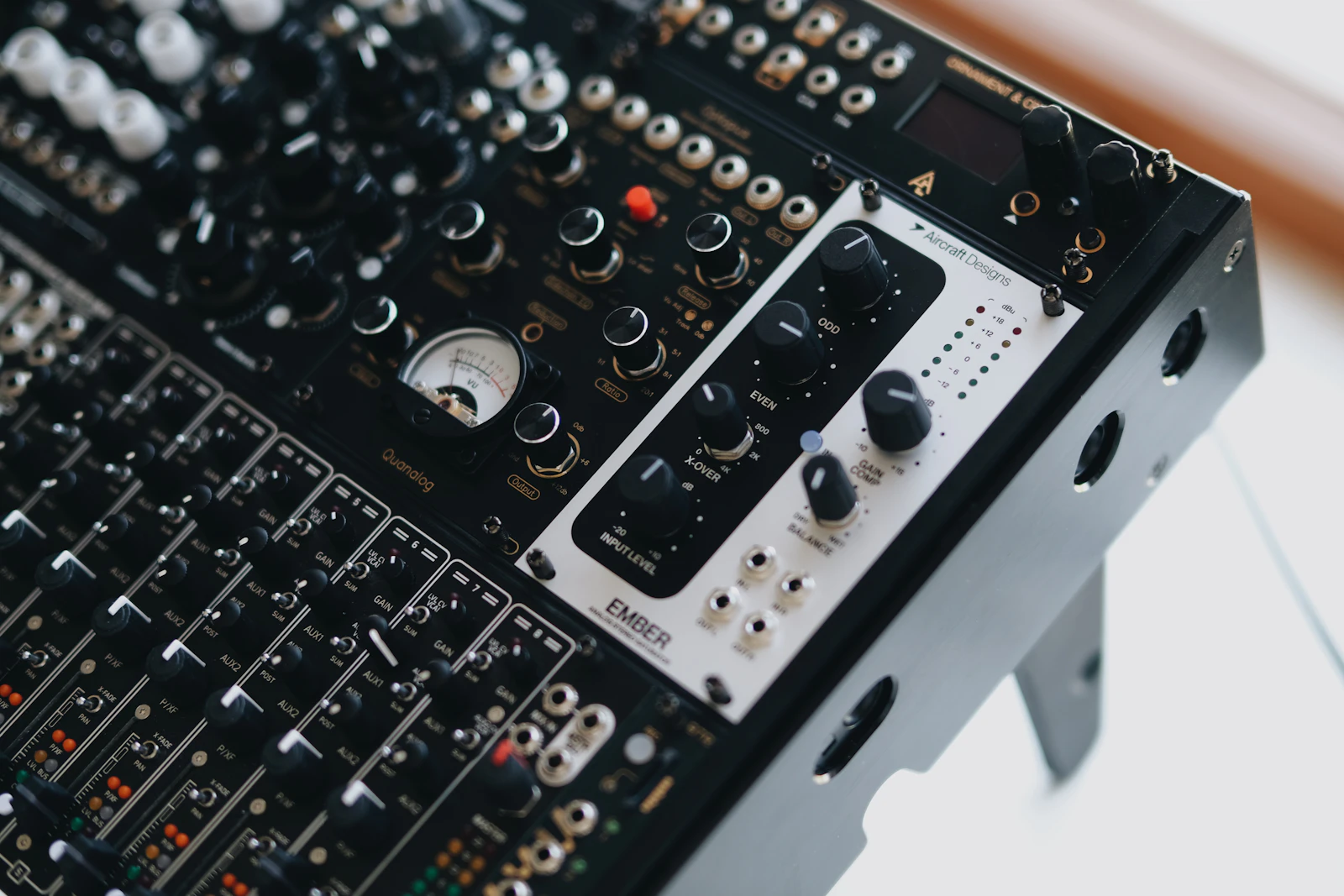
Sound design can make a product animation feel purposeful by clarifying actions, suggesting material and guiding emphasis. Begin with the message and a few meaningful cues, then add music or ambience where it helps. The film should also work in its agreed sound-off form.
Start with the actions that deserve a sound
Watch the animation without music and note the moments that carry meaning: a lid settles, a component locks, liquid moves or a feature becomes visible. Decide which moments benefit from an audible cue and which can remain quiet.
Do not add a sound simply because every movement can be given one. If the entire timeline is filled with equally prominent accents, the important action loses emphasis. A short product film can feel more deliberate when the sound follows its hierarchy of ideas.
Build a simple sound map
For an illustrative dispenser animation, the map could contain a restrained movement texture during a turn, a small mechanical cue when the pump engages and a soft final accent as the product settles. Those are creative choices, not a recording of the actual device.
Separate sounds that communicate physical behaviour from sounds used as graphic punctuation. A polished whoosh can mark a transition without pretending to be a real object. A heavy metallic impact on a lightweight plastic product may create an unintended impression of its material.
If the sound is meant to demonstrate actual operation, work from an appropriate recording or have the treatment reviewed against the product. Keep stylised effects distinct from factual claims about noise or performance.
Shape material and space without crowding the picture
Choose source sounds with useful character, then adjust them in context. Pitch, envelope and equalisation can change the apparent weight or sharpness of an action, but processing is not a substitute for choosing a suitable starting sound.
Ambience and reverberation can suggest a space. Keep that suggestion consistent with the visual treatment. A clean studio packshot may not need an elaborate environment; a spatial scene may benefit from a restrained shared acoustic character.
Adobe's Essential Sound documentation illustrates SFX and ambience controls, including reverb and placement. Those controls provide a way to shape a mix. They do not decide which sound best supports a particular product or narrative.
Mix against the message
Listen with the voiceover and music in place if they are part of the film. Make sure a decorative accent does not mask a key word or distract from the visual action. Test whether removing an effect makes the message clearer.
Check the beginning and ending of each sound for unwanted cuts or tails. If the animation loops, listen across several joins rather than judging a single playback. Keep any required stems organised so a revised voiceover or alternative cut can be mixed deliberately.
Use properly licensed audio and preserve its source and usage information in the production handover. The fact that a clip is downloadable or appears in a tutorial does not by itself establish permission for an advertisement.
Review sound-on and sound-off experiences
Listen through representative speakers or headphones and watch at the expected viewing size. Then mute the film. Important information should still be understandable through the approved visuals and captions where the placement requires a sound-off experience.
A practical final check covers:
1. The most important actions have appropriate emphasis.
2. Material cues do not create misleading expectations.
3. Speech, music and effects have clear priorities.
4. Cuts, loops and alternate versions remain clean.
5. Source licences and delivery components are documented.
The linked Adobe masterclass is an older sound-design session about effects and ambience for animation and film. Use it as further viewing alongside the illustrated controls reference, and verify exact interface steps in your installed version.
Sources and visual references
- Essential Sound panel: SFX and ambience — Adobe Audition documentation
Illustrated Adobe documentation for SFX, ambience and spatial controls.
- Video & Audio Masterclass - Sound Design in Adobe Audition | Adobe Creative Cloud — Adobe Creative Cloud
Official Adobe sound-design masterclass (2020) about effects and ambience for animation and film.
Related reading
Cover image
- Cover illustration: Egor Komarov / Unsplash.
Editorial illustration of the article topic.
- Image licence — Unsplash
Free use, including commercial use, under the Unsplash License.