Tutorial
Creating a seamless product animation loop for a website
A practical method for designing and checking a product-animation loop, including endpoint timing, reflection continuity and its website fallback.
A seamless product loop has a continuous visual rhythm across its boundary. Match the movement, the light and the displayed frame count, then inspect the encoded result repeatedly. The loop also needs a useful poster and a sensible role on the website.
Design a motion that can return naturally
Choose an action whose ending can connect to its beginning. A turntable, repeated mechanical rhythm or cyclical light movement may support a loop. A single unboxing action that ends with everything in a different place needs another structural idea, such as a deliberate return or a transition.
Decide what the visitor should notice during repeated playback. If the product has a key side or feature, give it a useful reading interval without letting the loop feel like a pause followed by a sudden restart. A loop is part of a viewing experience, not merely a short file that repeats.
Match motion as well as position
Matching the first and last pose is not enough when the speed or direction changes abruptly at the join. Inspect the motion curves and the visible approach to the boundary. A product can return to the same angle while appearing to hesitate every time the clip restarts.
Blender's F-Curve Cycles modifier can repeat a curve in different modes. It does not automatically make every visible aspect of a shot seamless. Choose the repetition mode for the intended movement, then inspect the result with the actual camera and lighting.
For a constant-speed turn, avoid an unintended ease-out followed by an ease-in at the boundary. For an intentionally rhythmic move, design the pause as part of the cycle rather than accepting a timing accident.
Count the displayed frames
In an illustrative two-second loop at thirty frames per second, the file contains sixty displayed frames. You might place a matching boundary key at frame sixty-one while exporting frames one through sixty. The next cycle then supplies the repeated boundary pose without showing it twice consecutively.
That is a frame-counting example, not a rule that all loops need those settings. Confirm how your application defines frame ranges and how the player repeats the exported file. A duplicate endpoint can create a small hold even when the source animation looks smooth in a different preview range.
For rotational animation, remember that the same visible orientation can be represented by different unwrapped rotation values. Inspect the intended direction and speed rather than blindly copying a number from the first key.
Check the rest of the image at the seam
Reflections, shadows, background movement, particles and texture can expose the boundary even when the product motion is correct. Review the composite as a whole. A light that ends in a different position can create an obvious flash at every repeat.
Place several copies of the exported clip end to end in a review timeline and watch across the joins. Listen as well if the loop carries audio. A small discontinuity that is hard to notice once can become distracting after repeated playback.
Do not hide the seam with a transition unless that transition suits the design. A crossfade may create a double image or briefly change the product's apparent shape.
Prepare the website treatment
Select a poster that works when the animation has not started or cannot play. Agree whether the loop is decorative or necessary to understanding the product. Essential information should not depend on a visitor waiting through repeated animation.
Review the compressed file in its intended player and viewing size. web.dev explains why playback and loading decisions matter alongside file weight. A technically seamless source can still be a poor website asset if it distracts, starts unpredictably or delays useful content.
Approve the loop only after checking motion, the full image boundary, the encoded result and the poster. Those checks make repetition feel intentional rather than like a visible reset.
Sources and visual references
- F-Curve Modifiers: Cycles — Blender Manual 5.1
Illustrated Blender Manual reference for Cycles repetition modes; matching the whole shot remains a separate review task.
- Video performance — web.dev / Google
Website video performance, posters and playback context.
Related reading
Cover image
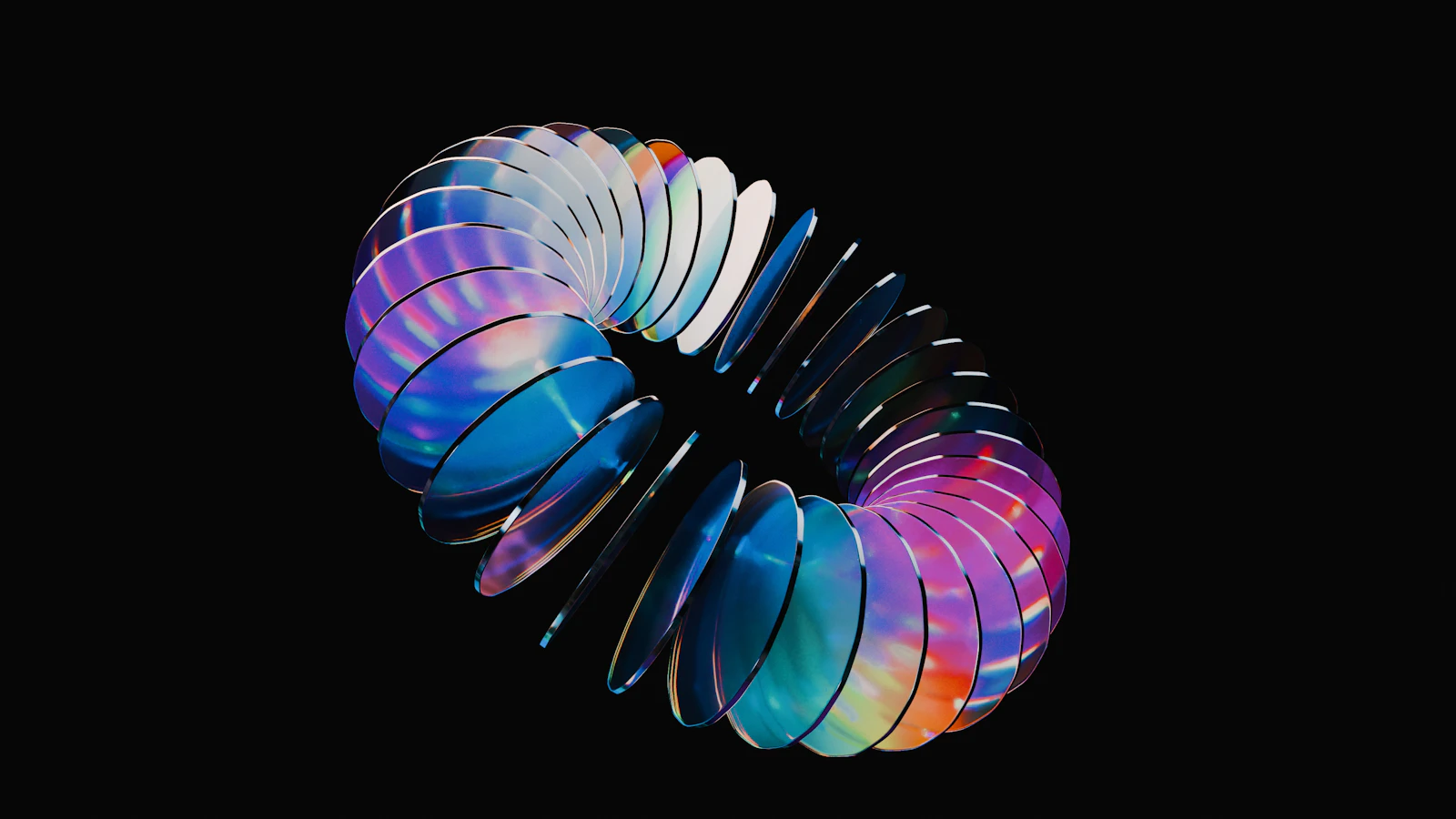
- Cover illustration: Christian Boragine / Unsplash.
Static illustration of a repeating form; not a demonstrated animation loop.
- Image licence — Unsplash
Free use, including commercial use, under the Unsplash License.