Tutorial
Lighting reflective products in CGI: metal, glass and glossy packaging
How to shape readable reflections on metal, glass and glossy packaging, with three practical lighting exercises and a diagnosis checklist.
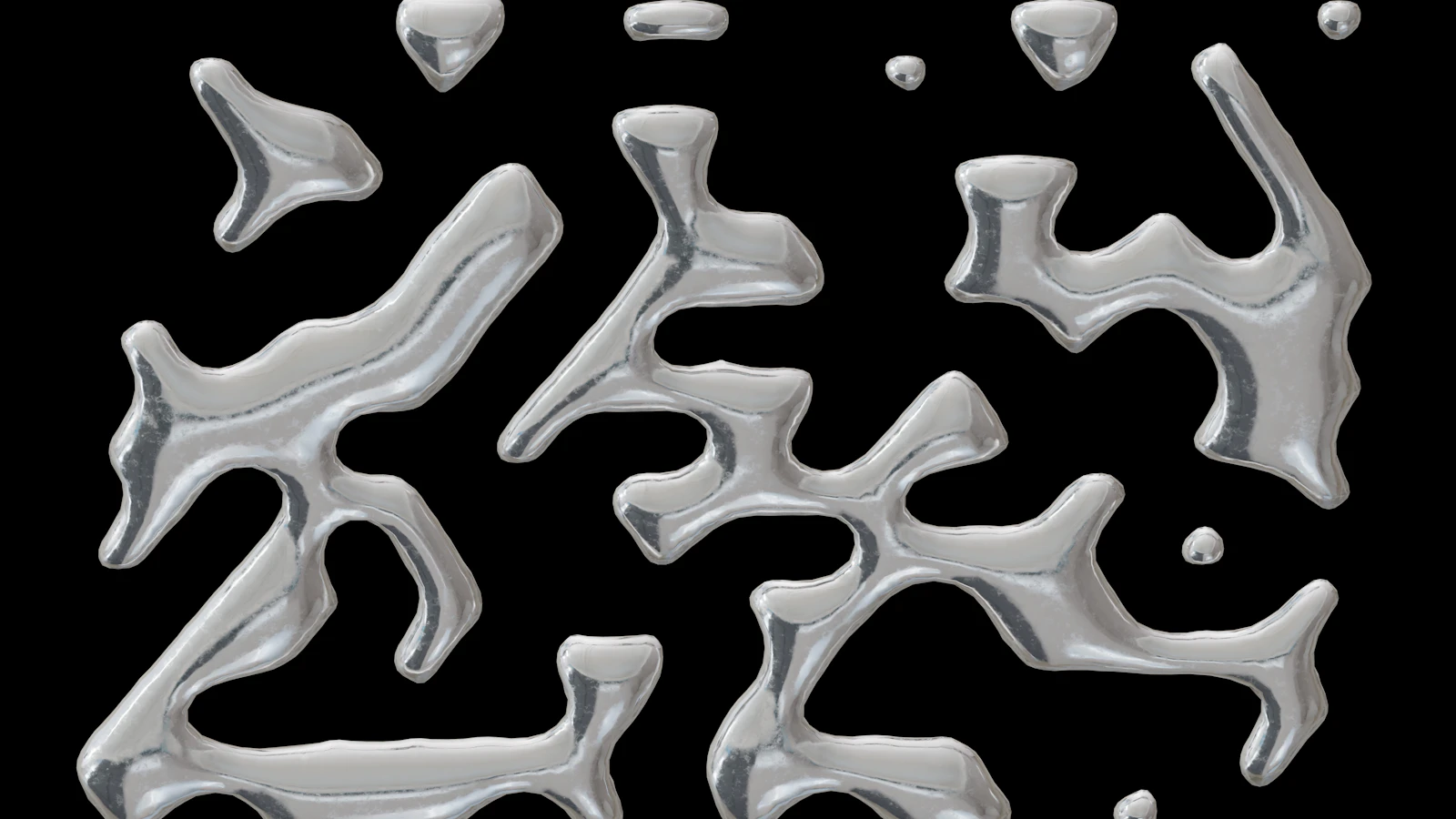
Reflective products are easier to light when you think about the shapes they reflect. A metal lid, clear bottle and coated carton need different visual cues. Begin with a readable silhouette and one intentional highlight, then add complexity only where it helps.
Design the reflection as part of the composition
A reflective product shows its surroundings. Before adding more light, look at what shapes are being reflected and where they sit on the product. A bright stripe may describe a curve clearly; several broken stripes can make the same curve look dented or visually busy.
Start with a neutral environment and one deliberate source. Move the source while keeping the camera fixed, then move the camera while keeping the source fixed. This small exercise helps distinguish a lighting-placement problem from a material or geometry problem. Judge the reflection at the intended delivery size.
Metal: reveal curvature without flattening the object
For an illustrative metal-lid exercise, place a broad rectangular source beside the product so its reflection runs along the curved edge. Adjust its position and extent until the highlight describes the form without washing out every surface.
Add darker surrounding areas when necessary to preserve contrast. A completely bright environment may leave little structure for the viewer to read, even if the metal is physically plausible. Avoid fixing a weak composition simply by making the material less reflective; first inspect what the material has been given to reflect.
Blender's Cycles light documentation includes visual examples of area-light spread. Those examples demonstrate light behaviour, not a ready-made product setup. Exact controls depend on the renderer, so translate the intention before copying numbers.
Glass: separate the outline from what is behind it
For a clear-bottle exercise, choose a background that allows both the contour and the contents to be understood. Move a bright or dark shape near the edge of the reflected environment and observe whether it improves separation. Check the far side of the vessel as well as the front.
If the bottle seems wrong, inspect wall thickness, surface direction and intersections before making the lighting more elaborate. An attractive highlight cannot correct invalid geometry. Compare the look with a trustworthy product reference and be explicit when a stylistic treatment changes the apparent material.
Keep the label readable, but do not erase every reflection across it. The goal is a convincing approved product image, not a collection of unrelated perfectly clean surfaces.
Glossy packaging: protect the important information
Imagine a coated carton with a large dark logo. A moving specular highlight could cross that logo and briefly remove its contrast. Test a restrained light arrangement and review the whole camera move, including the moment when the box turns towards the source.
If the glare obscures the message, adjust the relationship between camera, product and source. Consider changing the camera path or the highlight's shape before increasing overall exposure. When one lighting rig cannot serve every angle, a separate shot or a designed transition may be clearer than forcing the entire move through an awkward reflection.
Evaluate any artistic adjustment against the client's material reference. A matte-looking solution may read well while misrepresenting a glossy product.
Review the light through time
Watch a low-cost preview of the actual movement before committing to final-quality frames. Look for clipped-looking areas, disappearing edges, unreadable type and reflections that reveal unintended scene objects. Check whether noise changes distractingly between frames.
Use this order when diagnosing a problem:
1. Confirm the product geometry and material reference.
2. Inspect what the surface reflects from the camera's view.
3. Adjust one source or reflection shape at a time.
4. Check exposure and colour in the intended viewing workflow.
5. Review the full move at final viewing size.
This method keeps lighting decisions connected to communication. More sources are useful only when they resolve a specific problem.
Sources and visual references
- Light Settings (Cycles) — Blender Manual 5.0
Illustrated Cycles light settings provide a technical reference for spread and shadow behaviour.
- Designing the Charge Poster — Blender Studio / Hjalti Hjalmarsson and Andy Goralczyk
An external example of lighting and assembling rendered elements; not a product-lighting recipe or a DELA project.
Related reading
Cover image
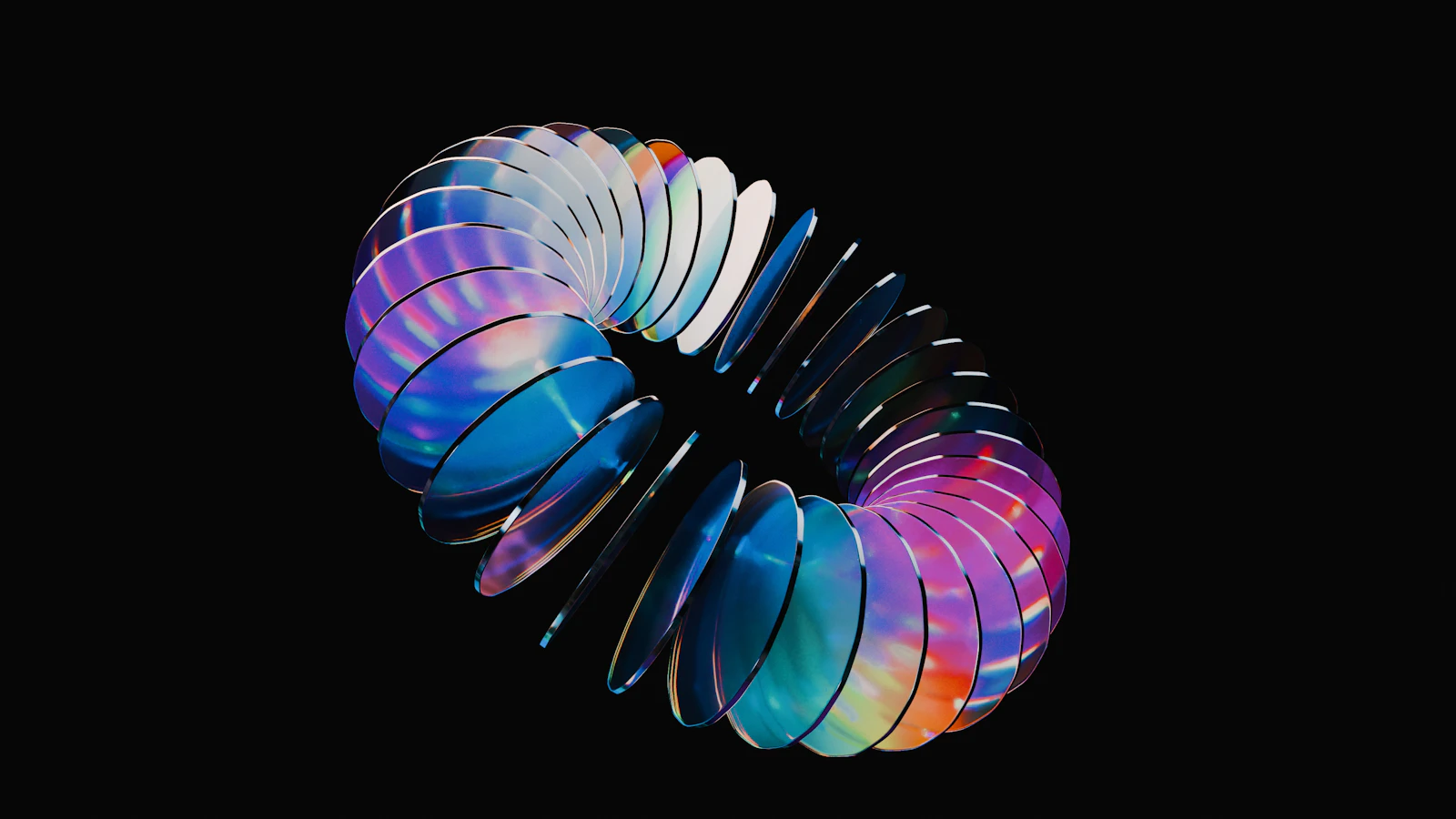
- Cover illustration: Logan Voss / Unsplash.
Editorial illustration of the article topic.
- Image licence — Unsplash
Free use, including commercial use, under the Unsplash License.