Tutorial
Motion typography that stays readable on mobile
A mobile-first review method for animated text, covering hierarchy, movement, contrast, reading time and the final encoded version.
Readable motion typography gives the viewer time and space to understand the words. On a phone, small changes in contrast, line breaks and movement can matter more than an elaborate reveal. Test the actual text in motion at the intended viewing size.
Design at the viewing size, not only the composition size
A heading that looks comfortable in a large editing window can become difficult to read in a small video placement. Preview the actual composition at a realistic size and with the surroundings the viewer will see. Include the platform interface or surrounding page when those affect the space available.
There is no single font size that guarantees readability across all videos. Typeface, stroke weight, background, contrast, language and viewing conditions all matter. Use the real wording early, especially when a translated version may take more space.
Give the text a clear hierarchy
Decide which words need attention first. A short heading can establish the idea while a smaller supporting line adds context. If every line has the same scale and movement, the viewer has to work out the hierarchy while also reading.
Choose line breaks that preserve meaning. Avoid breaking a key phrase simply because it creates a tidy rectangle. Keep essential text distinct from decorative lettering or a moving brand treatment.
Adobe's illustrated text-animation examples demonstrate the available animation approaches. Treat them as tools to select from, not a requirement to animate every character independently.
Separate arrival, reading and departure
Think of a text event as three phases. The words arrive, become comfortably readable and then leave. If the text spends most of its screen time moving, the nominal duration may exaggerate how long the viewer can actually read it.
For an illustrative product feature, let the heading settle before introducing a secondary line. Try a restrained movement or opacity change rather than several rotations and scale changes at once. The right amount of motion depends on the film's style, but the reading phase should remain deliberate.
Adobe Learn's Sarah John demonstrates basic position and opacity animation in the linked lesson. That establishes a simple technique; you still need to choose timing for your own words and audience.
Review contrast against the whole moving background
Check the brightest and busiest moments behind the text, not only the opening frame. A heading can be clear over a dark surface and disappear when a reflection passes underneath. Consider a calmer placement, a controlled background area or an appropriate graphic treatment.
Inspect fine strokes and small counters after export. Compression or a low-resolution placement can change the apparent weight of a typeface. Do not judge the master composition as if it were the final delivery.
If captions are also present, make their relationship to titles intentional. Avoid several text systems competing in the same region. Confirm how the chosen player or platform displays captions rather than assuming the editor preview represents every destination.
Use a reading test with a specific question
Show the sequence once at the expected size. Ask a fresh viewer to repeat the key message or identify the stated feature. If they miss it, determine whether the issue is wording, timing, placement or movement before increasing the font size indiscriminately.
A useful review order is:
1. Read the static layout at delivery size.
2. Check the arrival and departure without sound.
3. Check the full film with any captions and voiceover.
4. Review the final encoded file on a representative display.
Where motion supports the meaning, keep it. Where it distracts from the information, simplify it. A modest animation with a clear reading interval can communicate more confidently than an elaborate reveal that never lets the words rest.
Sources and visual references
- Add, edit, and animate text — Adobe Learn / Sarah John
Video lesson with an accessible transcript demonstrating text layers, position and opacity keyframes.
- Examples and resources for text animation — Adobe After Effects documentation
Illustrated Adobe examples of character and text animation; use only techniques that support the message.
Related reading
Cover image
- Cover illustration: Egor Komarov / Unsplash.
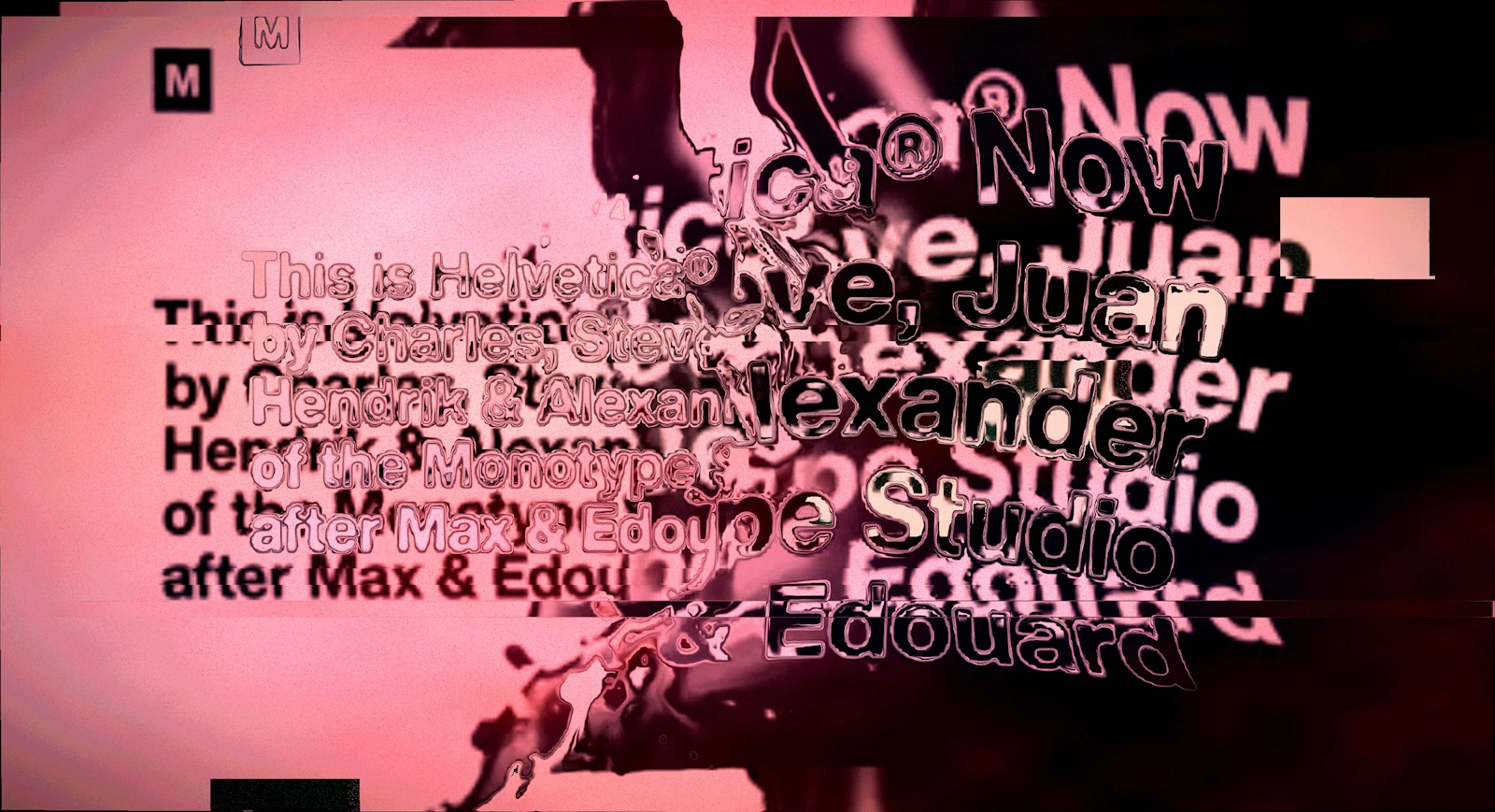
Experimental type composition illustrating density and contrast, not a recommended mobile layout.
- Image licence — Unsplash
Free use, including commercial use, under the Unsplash License.