Tutorial
Animating a product UI demo people can follow
A storyboard and review method for UI demonstration videos that guides attention through one credible task without changing the product behaviour.
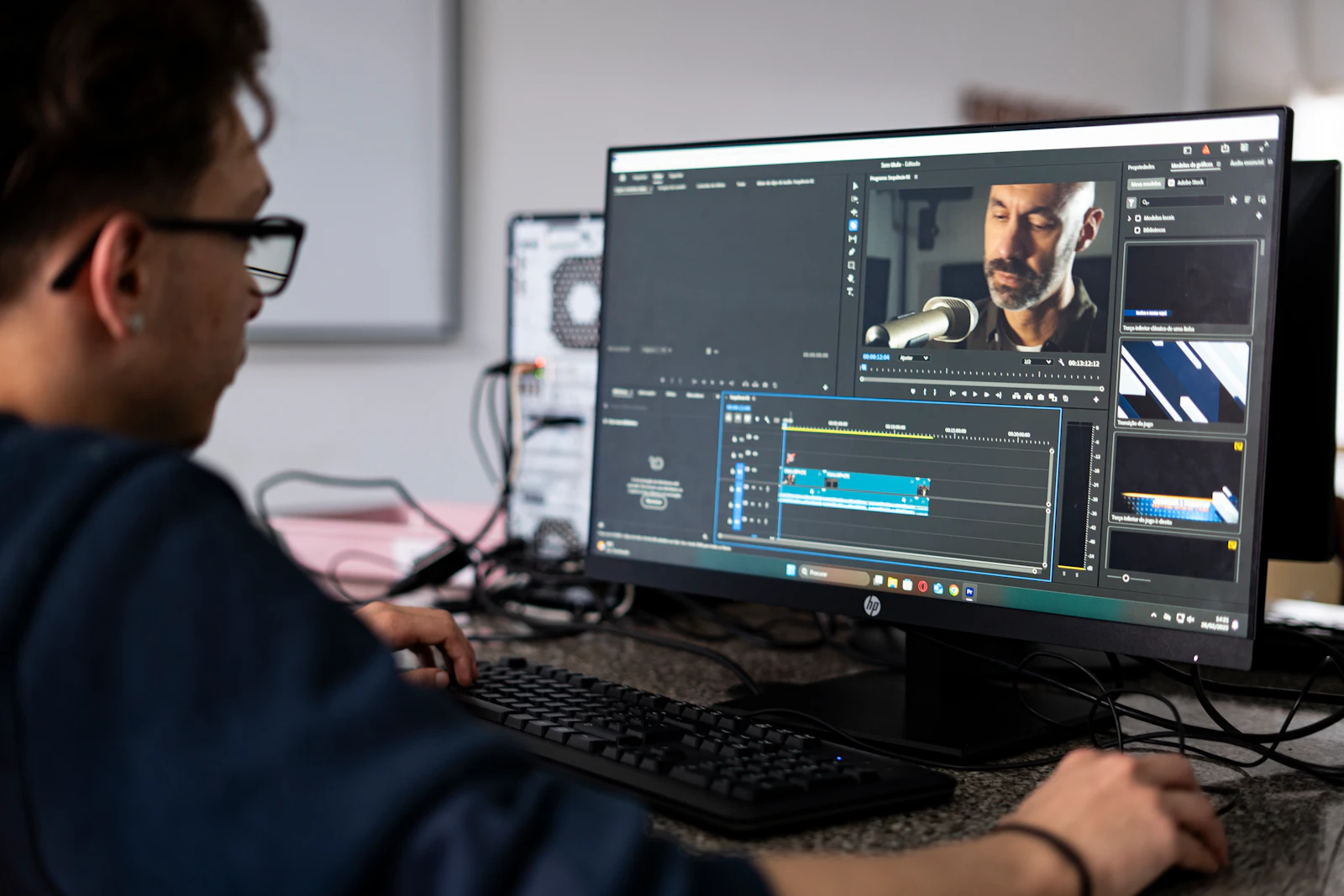
A product UI demo should make one task easy to follow. Plan the attention path, show meaningful state changes and give the result time to register. The animation is successful when the viewer understands the product flow, not merely when the screen moves smoothly.
Choose a task with a visible outcome
A useful UI demo shows someone completing a task. Start with a specific goal, such as creating a report or confirming a booking, rather than a tour of every menu. Identify the starting state, the actions and the result the viewer should recognise.
Use the current approved interface. If screens are conceptual or features are not available, make that status clear in the surrounding communication. A polished animation should not imply that a product already behaves in a way it does not.
Storyboard the attention path
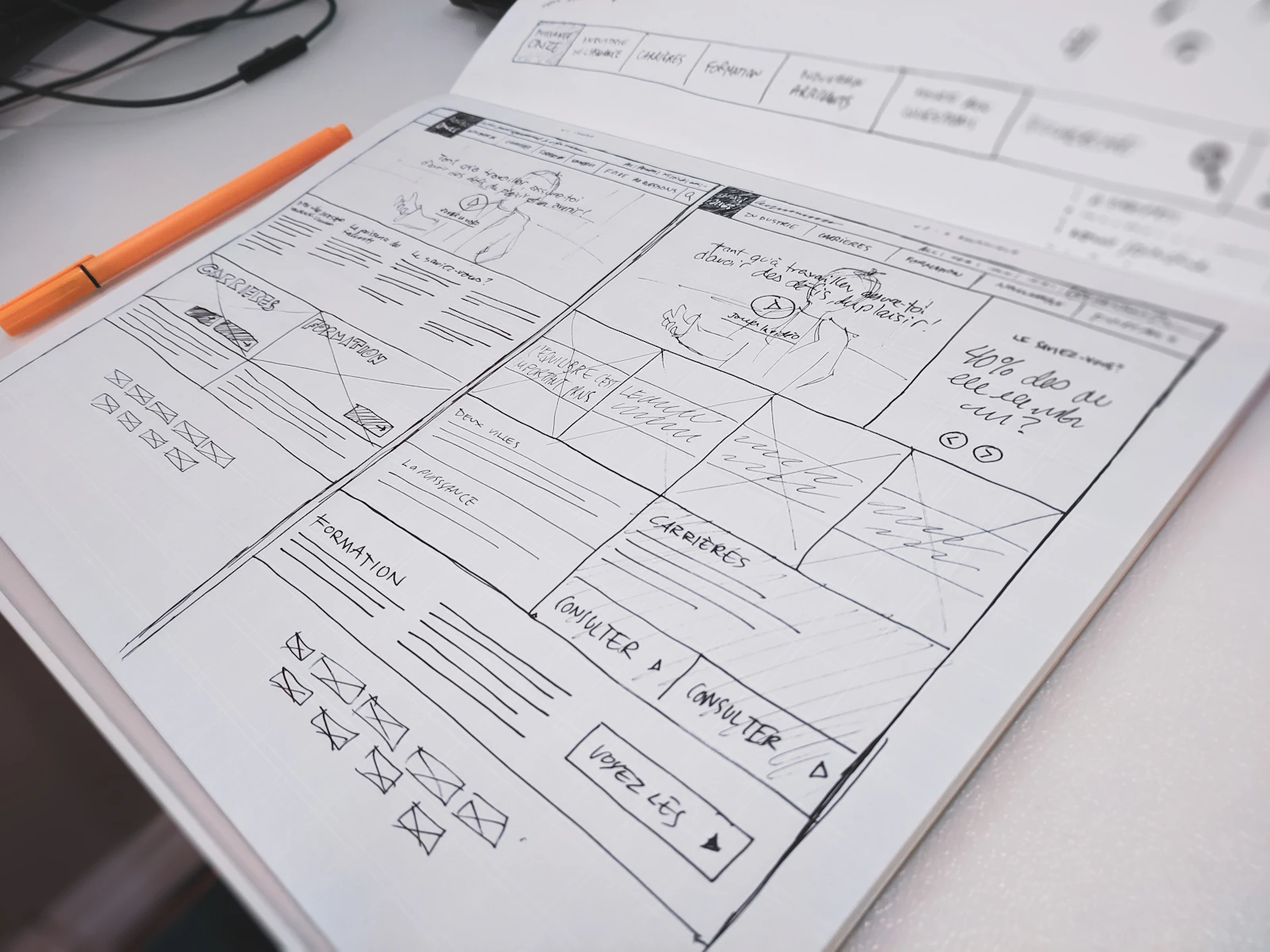
List the important screen states and the single area the viewer should notice in each. Decide when the pointer, highlight, crop or callout will guide attention. If several devices point to different places at once, simplify the shot.
For an illustrative reporting demo, the sequence could be: choose a date range, select a metric, run the report, then inspect the result. Give the result a recognisable visual state instead of ending immediately after the click. That final moment tells the viewer whether the action succeeded.
Make a rough timed version before polishing transitions. You can use static screens and simple cuts to test whether the order is understandable. Detailed cursor easing cannot repair a missing step in the explanation.
Make cursor movement deliberate
The cursor should reveal intention rather than wander as if a recording is still being rehearsed. Move to the relevant control, allow the viewer to register the target and make the action clear. Avoid unnecessary loops or long journeys that do not teach anything.
Separate pointer movement from screen response. If a panel opens, give the response enough time to be understood before moving attention elsewhere. Use click emphasis sparingly and keep it visually distinct from a product's own selection or notification state.
Do not simulate impossible responsiveness as a factual product demonstration. If timing has been shortened or intermediate steps omitted, ensure the treatment remains appropriate for the message and the audience.
Use zooms to clarify, then restore context
A closer view helps when a control or result would be too small to read. Establish where it sits before enlarging it. When moving between close views, preserve enough spatial context that the viewer understands whether they are in the same panel or somewhere else.
Keep essential labels intact. Enlarging a tiny screenshot may soften the very text the zoom is meant to explain, so prepare suitable source assets or capture resolution for the planned move. Check the delivered video at realistic size, not just the composition viewer.
The linked Vane Motion lesson is a Spanish-language UI-animation tutorial with published chapter descriptions. It is a technique reference, not a factual reference for your product's behaviour. Adobe's text lesson provides an English alternative for a simpler building block.
Review with someone who does not know the flow
Show the rough film once and ask the viewer to describe the task and the final state. If they cannot, determine where the explanation loses them. More labels may help, but a clearer state transition or a missing context shot may be the actual fix.
Before finishing, check:
- The interface and data are approved for public display.
- One task remains clear from start to finish.
- Pointer movement and emphasis agree with the explanation.
- Text and control labels survive the smallest delivery size.
- Any compressed timing or conceptual behaviour is represented appropriately.
Finally review sound-off, captioned and vertical versions if required. A layout that works in a wide desktop demo may need a separately designed adaptation rather than a moving crop.
Sources and visual references
- Cómo animar interfaces para usuario en After Effects — Vane Motion
Spanish-language UI-animation lesson by Vane Motion, with chapters covering text, motion and mattes.
- Add, edit, and animate text — Adobe Learn / Sarah John
English Adobe video lesson with transcript for text, positioning and keyframe fundamentals.
Related reading
Cover image
- Cover illustration: Compagnons / Unsplash.
Editorial illustration of the article topic.
- Image licence — Unsplash
Free use, including commercial use, under the Unsplash License.