Tutorial
2D or 3D animation for an explainer video?
A guide to choosing 2D, 3D or a mixed visual language for an explainer, based on the idea, the required views and the way the film will change.
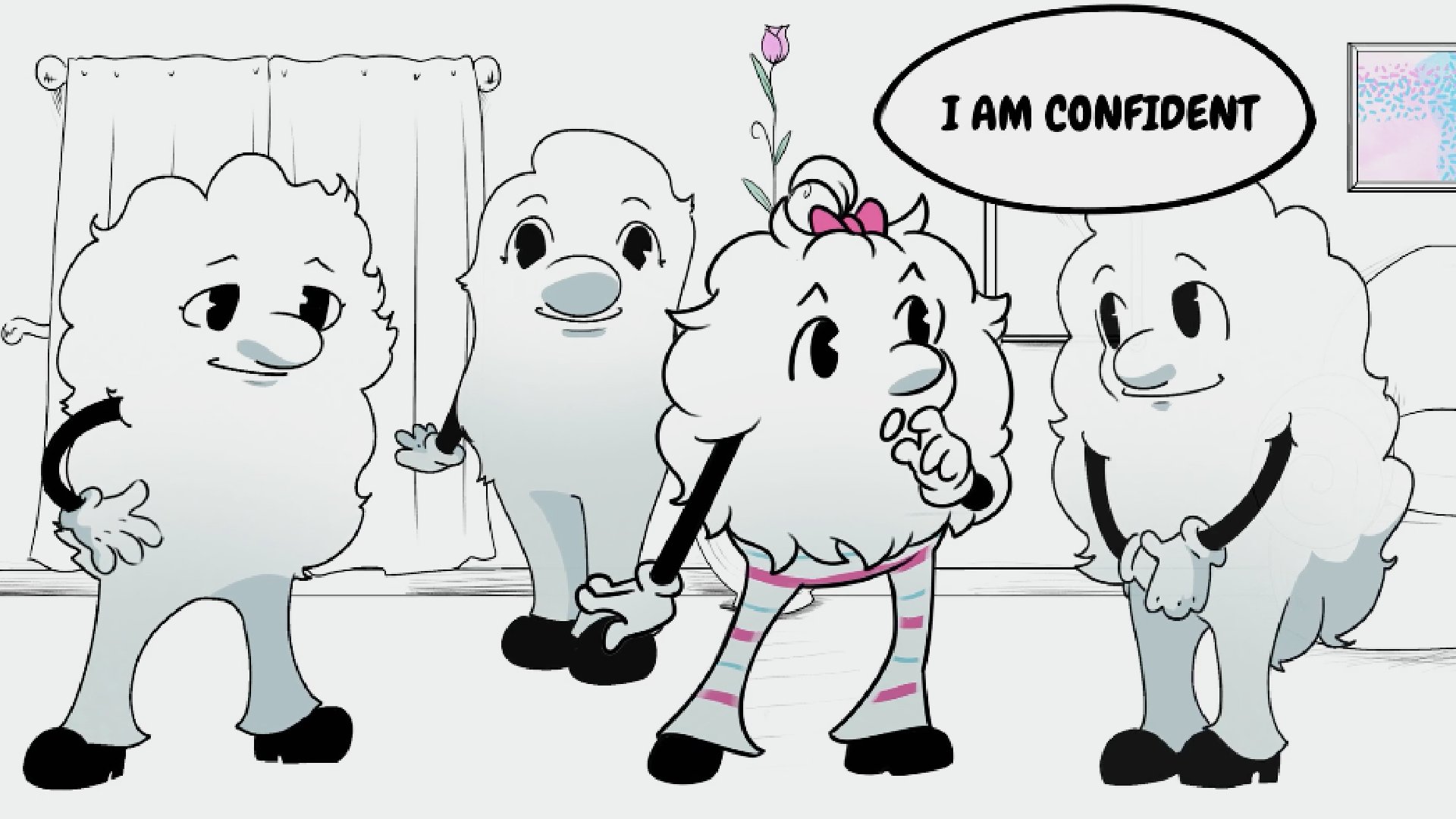
Choose 2D or 3D animation according to the information the explainer needs to communicate. A simple diagram can be powerful, and a spatial view can be essential. The best treatment makes the idea easier to understand and gives the team a sensible way to revise it.
Choose the explanation before the dimension
Begin with what the viewer must understand. An abstract service relationship, a sequence of decisions and the inside of a physical object are different communication problems. Ask whether depth and viewpoint add necessary information or simply add visual texture.
For a payment workflow, moving labels and relationships in a clear diagram may be enough. For a device whose mechanism is hidden by its casing, a controlled spatial view may reveal something difficult to show otherwise. These are starting points for a treatment, not fixed rules about entire industries.
Distinguish the visual style from the production method
A flat-looking image is not necessarily made with a purely 2D process. A 3D scene can be designed to resemble drawn imagery, and a 2D project can include depth cues, photographs or rendered elements. Ask what the workflow must let the team control.
Blender Studio's Wing It! breakdown is a useful visual example: its illustrated discussion shows a deliberately cartoon-like look developed through a 3D pipeline. That does not make the method simpler or more appropriate for every project. It demonstrates why appearance alone cannot tell you the work involved.
When collecting references, label whether you are responding to texture, timing, camera, character design or the way the explanation unfolds. Avoid asking a production team to copy an entire workflow just because one frame looks right.
Compare changes you expect to make
Think about future versions. A service explainer may need new wording, new language or a changed sequence. A product explainer may need another angle, a new component or a different finish. Discuss which elements can be changed independently and which require work elsewhere.
Do not assume that either 2D or 3D is automatically cheaper. A complex drawn performance and a restrained 3D rotation involve different demands. Scope depends on the assets, movement, finish and approvals, not only the label attached to the technique.
Ask for a short representative motion test if the decision depends on how a complex part moves. A still moodboard can establish taste but cannot demonstrate animation timing.
Work through an illustrative choice
Imagine an explainer for a smart dispenser with a refill service. The refill-order process could be explained with clear 2D diagrams, while a short 3D section reveals how the cartridge seats inside the device. A shared palette, typography and transition system could make those parts feel like one film.
Alternatively, a completely diagrammatic treatment might be better if the internal mechanism is irrelevant to the message. A fully spatial treatment might be justified if several physical relationships need explanation. Decide from the required information rather than adding both methods because they are available.
Review the handover between styles. A sudden shift from a symbolic diagram to realistic imagery can confuse the viewer if it is unclear whether the film is still describing the same object or process.
Use a short evaluation checklist
Compare candidate treatments against the same questions:
- Does the viewer need to understand real space or a particular mechanism?
- Can the important relationship be shown more clearly as a diagram?
- Is the visual style consistent with the brand and the subject?
- What changes are likely after this version launches?
- Which source assets and approvals are available?
- Does a motion test confirm that the method communicates well?
A useful decision results in a treatment with a reason, not a declaration that one technique is universally more modern. Keep that reason with the brief so later feedback can be judged against the original communication goal.
Sources and visual references
- Shading and Rendering of Wing It! — Blender Studio / Simon Thommes
A richly illustrated original breakdown showing a 2D-looking style built with a 3D pipeline.
- Animation: artist guide — Blender Studio
One studio’s description of animation preparation and review stages; useful for understanding process dependencies.
Related reading
Cover image
- Cover: Peri Meri — DELA Media.
From the DELA Media portfolio.