Tutorial
Preparing CAD and product assets for CGI animation
A handover checklist for CAD, product dimensions, packaging artwork and material references before a product moves into a CGI pipeline.
A good CAD handover gives the CGI artist a product they can verify, not merely a file they can open. The aim is to preserve the correct design while making the geometry, materials and component structure usable for the planned shots.
Send the product revision before the file format
Begin with the product identity, revision and approval status. Name the person who can confirm that the model represents the version being advertised. Include a known physical dimension so the receiving artist can check scale independently of the file's unit settings.
Separate finished product geometry from optional accessories and internal parts. State which combinations are sold together. If a component is a placeholder or an engineering proposal, label it explicitly rather than relying on its filename to communicate uncertainty.
Agree the receiving workflow
Ask which application will receive the asset and which interchange format the artist has tested. A native engineering document, a solid-model exchange and a polygon mesh preserve different kinds of information. Do not rename a file extension to make it appear compatible.
Autodesk documents both CAD export and a separate Save As Mesh workflow. Choose a route with the recipient; do not assume that every format supported by the CAD application is accepted by a particular renderer. Keep the native source available even when sending an agreed mesh.
For a mesh handover, include a simple orientation reference: which direction is up, where the front is, and which dimension should be used for scale. A screenshot of the correctly assembled product can resolve ambiguity that a list of numbers cannot.
Prepare geometry for the shots you actually need
Ask for a test import before transferring an entire catalogue. Inspect the silhouette at the planned camera distance, then look at the closest required detail. Curved edges that look smooth in a small preview may show facets in a macro shot; hidden internals may make a scene heavy without improving the image.
Keep components separate if they must move independently. Give them recognisable names and identify the pivot or movement reference where necessary. Do not remove unseen parts indiscriminately: a later exploded view, reflection or opening mechanism may reveal them.
If the recipient requests a lighter mesh, agree what can be simplified and retain a detailed source. Optimising for one wide shot should not destroy information needed for the next shot.
Treat materials and artwork as separate evidence
A material name such as silver does not establish the finish. Supply references for surface roughness, coating, transparency and colour, ideally from the approved physical product or brand material. State whether a reference describes the actual surface or merely the desired lighting.
Provide clean approved logos and packaging artwork separately, with the right product and language variants. Avoid expecting an artist to reconstruct small print from a compressed photograph. Specify which text must be readable and which view will carry it.
If using glTF, Blender's illustrated material-channel documentation is helpful for understanding what a transfer can carry. It should not be treated as a promise that an arbitrary CAD material will arrive unchanged.
Run a small acceptance test
Import one representative product, compare its dimensions and orientation, inspect a curved edge, check a transparent or reflective material and render a simple still. Confirm that all external textures resolve. Open the scene on the receiving system rather than relying only on the sender's screenshot.
A concise handover folder might contain:
- A readme with revision, units, orientation and contact.
- The native source and the agreed transfer file.
- Approved artwork and material references.
- A reference image of the correct assembly.
- A note listing omissions, placeholders and intended moving parts.
This package makes questions visible before animation begins. It is more useful than a large collection of unexplained exports, and it leaves a clear record when the product changes later.
Sources and visual references
- Mesh export — Autodesk Fusion documentation
Autodesk illustrates the separate mesh-export route and the bodies/components involved.
- glTF 2.0: material channels and transfer — Blender Manual 5.1
The illustrated material-channel examples explain one interchange workflow; verify compatibility with your receiving application.
Related reading
Cover image
- Cover illustration: A Chosen Soul / Unsplash.
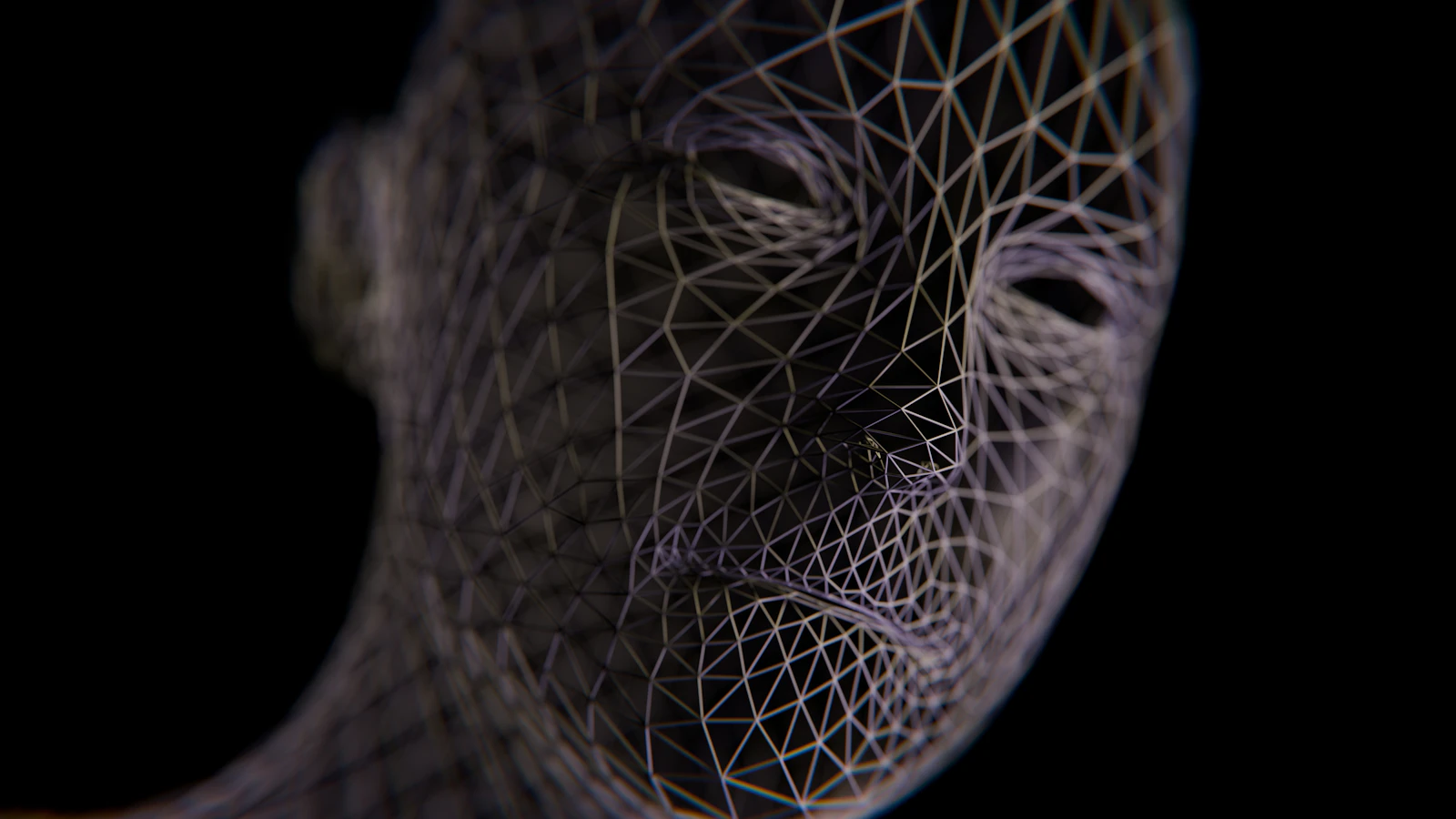
Illustrative wireframe geometry; not a CAD handover example.
- Image licence — Unsplash
Free use, including commercial use, under the Unsplash License.