Tutorial
A hybrid CGI and AI workflow for product films
A proposed shot workflow that keeps a precise product under control while using AI-assisted development for flexible environments and transitions.
A hybrid CGI and AI workflow can separate product accuracy from visual exploration. The useful question is where to draw that boundary and how to join the elements. Treat the process below as a production design to evaluate, not as proof that a particular tool will deliver the shot.
Give each part of the image a clear responsibility
A hybrid workflow becomes easier to manage when the product, environment and finishing have distinct responsibilities. Decide which element carries factual accuracy and which provides creative freedom. A bottle's silhouette and packaging may be fixed while the atmosphere around it can be explored.
Write those boundaries into the shot plan. Otherwise, a generated reflection or a dramatic transition can quietly introduce a product change that no one intended to approve. A hybrid method is useful only if its interfaces remain understandable to the people reviewing the result.
Design the environment around a known shot
Choose a camera position, product scale and rough action before developing the surroundings. A convincing generated background may still be unsuitable if its horizon, perspective or light direction conflicts with the product shot.
Use a rough product silhouette when evaluating compositions. Ask where the brightest region sits, where contact should occur and what might reflect in a glossy surface. If the product must move extensively, determine whether the background can support that movement or whether a different environment method is needed.
Runway's image and video guides show that these are separate creative operations. They are useful references for preparing and moving imagery, not evidence that a generated environment provides a reliable 3D reconstruction.
Build a controlled product element
Prepare the approved product asset, artwork and materials. Render a rough version against the proposed setting and inspect the relationships before finishing either side. Do not wait for a beautiful final background before discovering that its light cannot plausibly illuminate the product.
For an illustrative fragrance film, the bottle could be a verified CGI element while distant atmospheric scenery is developed separately. The bottle's reflections, its contact with a surface and any close interaction still need a deliberate solution. This is a proposed production arrangement, not a report of a DELA project or a tested recipe.
If a generated environment changes shape over time, choose whether to keep it as a stylised moving background, constrain the shot or replace it. Do not assume the exact product will automatically inherit coherent environmental interaction.
Test the join before refining the components
Prepare a short rough composite containing the most demanding moment: the edge against a bright background, the reflection crossing the label or the movement near the ground. That test tells you more than two attractive elements viewed independently.
Blender Studio's Charge poster breakdown illustrates separately rendered elements assembled into a final image. It does not document this AI workflow, but it provides a concrete reference for the principle of preparing components for a shared composition.
Check occlusion, colour, sharpness and blur in the composite. If the environment needs a change, record which product decisions it affects. A new horizon may change the perspective requirement; a new lighting direction may require another render.
Use approvals that respect the dependencies
A practical sequence is to approve the product truth, rough composition, combined motion, finishing and delivery versions. The steps can overlap, but someone should know which earlier decisions a change reopens.
Keep a record of the approved source asset, selected generated material, model/version where relevant and final composite. This makes later adaptations more manageable and distinguishes an exact product element from an expressive background.
Before accepting the shot, ask:
- Is the product still the approved product in every useful frame?
- Do the environment and product agree in perspective and light?
- Are generated details appropriate for the message?
- Can the selected edit and aspect-ratio versions use the same approach?
The workflow earns its complexity when it makes an important constraint more controllable. If it creates more uncertain joins than it solves, simplify the shot or choose one production method.
Sources and visual references
- Designing the Charge Poster — Blender Studio / Hjalti Hjalmarsson and Andy Goralczyk
Illustrates separately prepared CGI elements and compositing; does not claim an AI workflow.
- Gen-4 Image Prompting Guide — Runway
Illustrated composition references for image generation.
- Gen-4 Video Prompting Guide — Runway
Model-specific motion guidance for an image-to-video component.
Related reading
Cover image
- Cover illustration: Default Cameraman / Unsplash.
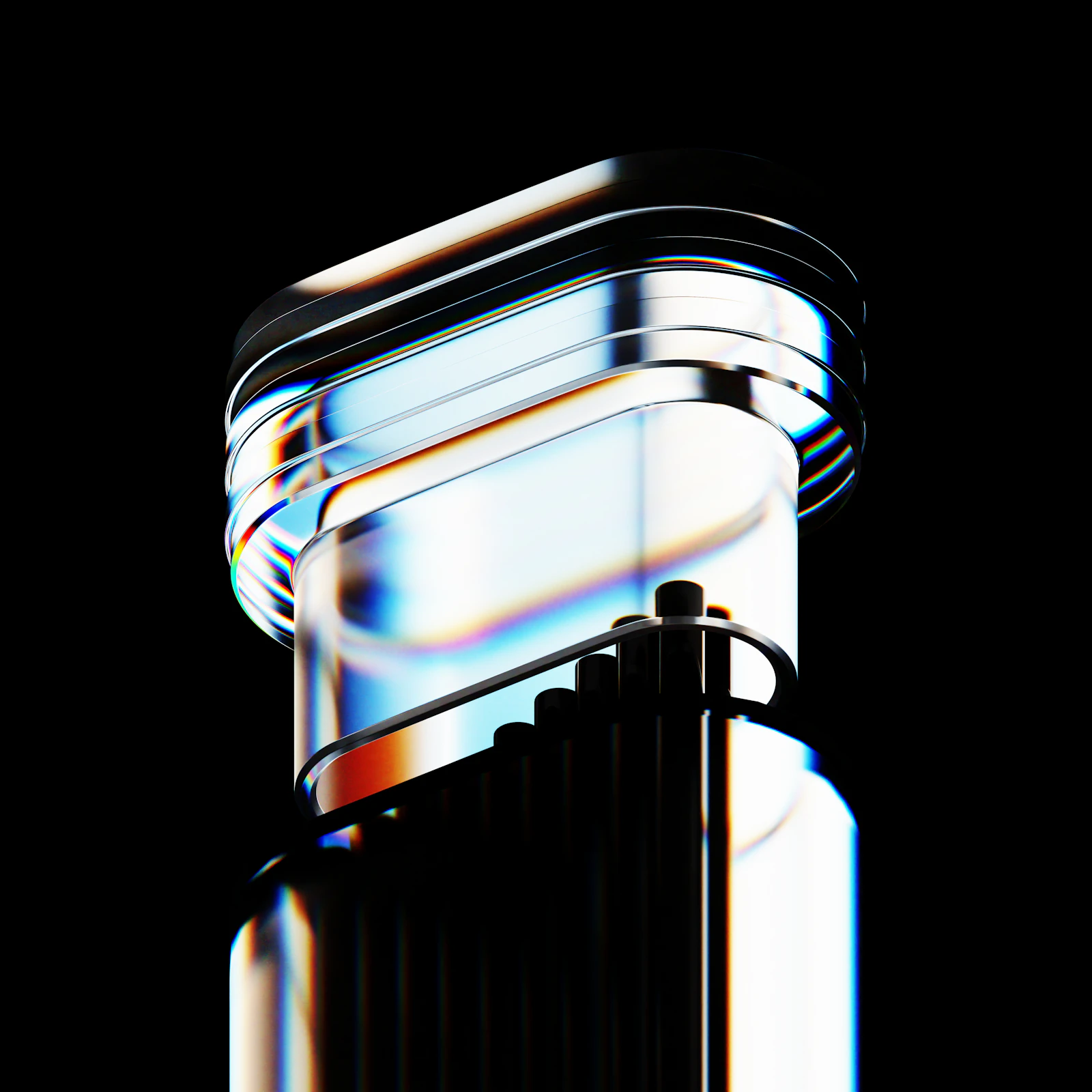
Illustrative product render; not evidence of a CGI-and-AI workflow.
- Image licence — Unsplash
Free use, including commercial use, under the Unsplash License.