Tutorial
Why realistic AI video can still get product physics wrong
A convincing surface does not prove a mechanism works. Plan shots around continuity, contact and product behaviour before approving a generated sequence.
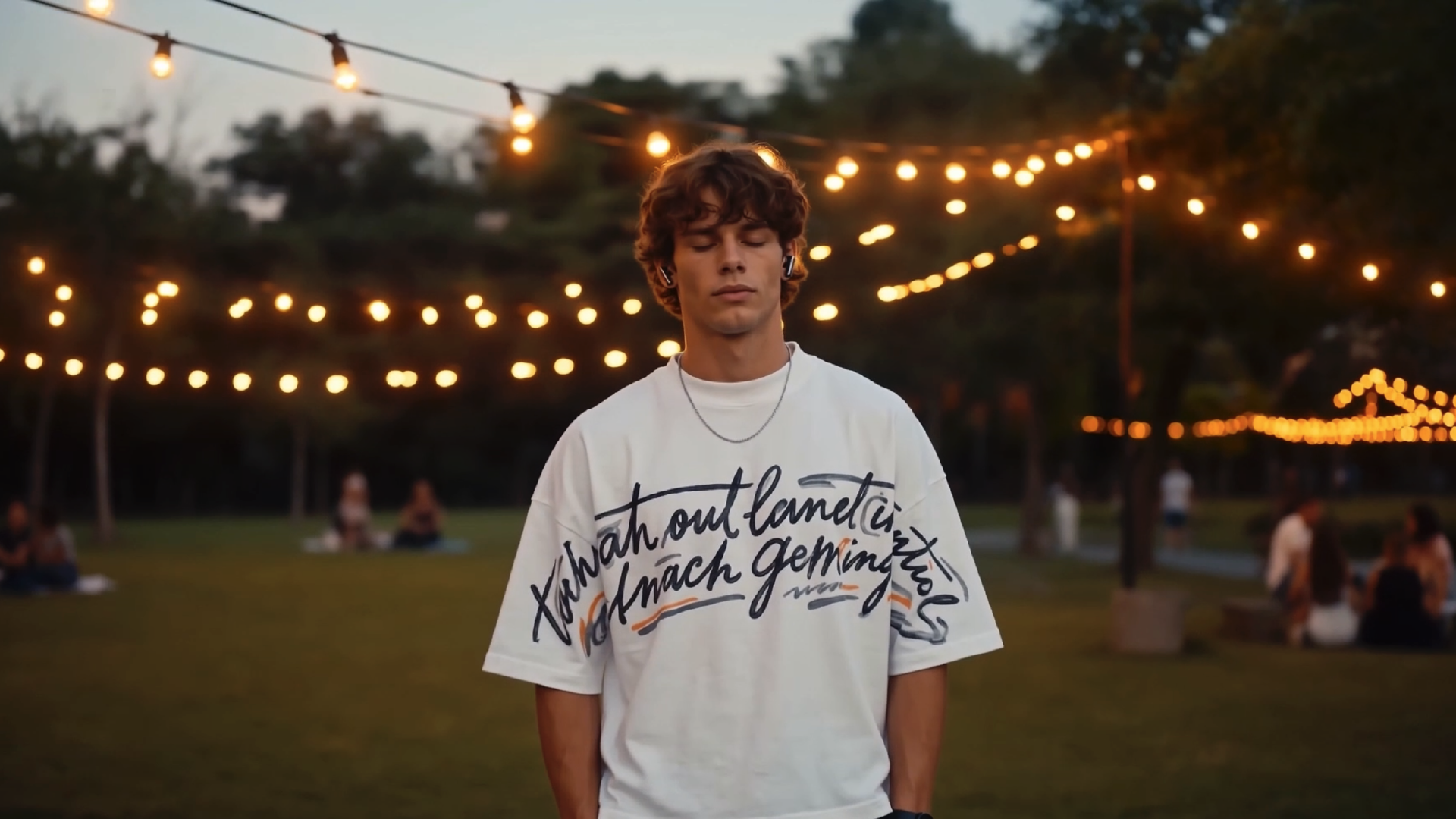
A generated shot can have convincing lighting and still show an impossible action. A lid may move attractively while its hinge changes position, or an object may appear to touch a surface without maintaining contact. The problem for a product film is not simply whether the image looks real. It is whether the action communicates the right thing.
Treat realism and accuracy as separate review categories. That distinction is especially useful when the film demonstrates how something works.
Learned appearance is not a verified simulation
OpenAI’s February 2024 research report on video generation describes a model using spacetime patches and discusses limitations in physical interactions and consistency. It is a historical technical report, not a current ranking of video products. Its relevance here is the distinction between a convincing generated event and dependable physical behaviour.
A production team should test that distinction on its own shot. Do not assume that either the age of a model or the quality of a promotional example settles the result for a specific product.
Define the physical promise in the shot
For an illustrative reusable bottle, an opening sequence may imply that the cap rotates, separates cleanly and returns to a precise fit. List the visible actions in order. Which component is moving? What stays still? Where does contact occur? What should the viewer understand by the end?
If the film is only establishing a mood, simplify the action. If it is explaining a mechanism, the details carry the message and need stronger control. This decision belongs in the shot brief, before attractive motion makes an inaccurate result harder to reject.
Review transitions, not just attractive frames
Inspect the first contact, the moment of separation, any occlusion and the final resting position. Watch at normal speed as well as stepping through the clip. A hero still can look correct while the transition that precedes it changes the geometry.
Use the approved product reference beside the footage. Compare the same details throughout the shot rather than relying on general visual memory. Record the exact time of a failure so a revision request has a clear target.
Choose where control is necessary
CGI allows a team to define geometry, motion and cameras explicitly, although the scene still needs careful construction and review. Render passes can also separate useful information for compositing; Blender’s documentation describes passes such as depth, normals and lighting components. These are production controls, not automatic guarantees of physical truth.
A practical approach may keep the product and mechanism in a controlled render while exploring atmosphere elsewhere. Another may use filmed reference or remove an unnecessary interaction. Choose the method around the claim being shown, rather than trying to force every part of the shot through one tool.
Set a stopping rule before endless retries
Agree what counts as a usable take and how much exploration the shot can justify. If repeated attempts preserve mood but break a required contact or component, escalate the method decision. A simpler action or a controlled insert may serve the film better.
The final question is whether the viewer could draw the intended, accurate conclusion about the product. An impressive image is useful only when the sequence around it remains trustworthy enough for that purpose.
Sources and further reading
- Video generation models as world simulators — OpenAI
Historical February 2024 report, with video examples and physical-consistency limitations. Not a statement of current product performance.
- Render passes — Blender Manual
Official illustrated documentation of separated rendering information.
Related reading
Cover image
- Cover: Yoki — DELA Media.
Existing DELA portfolio material.