Tutorial
Why AI video flickers: diagnosing temporal inconsistencies
A practical diagnosis method for brightness flicker, detail drift, unstable edges and timing problems in AI-assisted video.
Before trying to remove AI-video flicker, identify what changes and where the change enters the workflow. A brightness pulse, a drifting label and a deformed object need different responses. Treat diagnosis as a short evidence-gathering exercise, not a search for one universal filter.
Name the change you can actually see
Flicker is often used to describe several different problems. The image may alternate in brightness, a label may change shape, fine texture may crawl, or an edge may jump while the rest of the object is stable. Those are observations, not proof of a particular underlying model failure.
Start with a short problem statement: the logo changes after the turn, the highlight pulses while the background stays stable, or the whole image jumps at the edit. Include a frame range and a visible reference. This is more actionable than saying that the clip feels wrong.
Separate registration from appearance
Choose a stable-looking detail and compare its position across nearby frames. If the whole object moves, first ask whether that movement belongs to the shot. If a tracked grid follows the surface but the label changes underneath it, the issue is not simply the position of the insert.
A tracking demonstration is useful here because it shows how a grid exposes sliding. The linked Boris FX lesson is about tracking, not an explanation of AI-model internals. Use the technique to distinguish motion from a changing surface; do not assume a good planar track can repair a product whose geometry is morphing.
Check more than the beginning and end. A defect can occur only during a fast move, a moment of occlusion or the transition into a new pose.
Check the source and the viewing path
Inspect the original generated file before blaming a web preview or editorial effect. Compare it with the timeline version and the delivered export. If the defect appears only in one of those, the point where it enters the workflow is useful evidence.
Review frame-rate interpretation, speed changes, stabilisation and any temporal processing you applied. Change one factor at a time and compare the same frames. A repeated or interpolated frame can create a different symptom from a changing generated texture.
Look at the input image too. Runway's Gen-4 guidance calls for a clean starting image. That does not establish the cause of every artefact, but it is a sensible place to check before attempting to repair an already compromised source.
Choose a repair that matches the defect
A restrained exposure adjustment may help a brightness variation when the underlying detail is sound. A tracked replacement may work for a stable flat label. A shorter edit may avoid a defective ending if it still communicates the intended action.
Those are different decisions from reconstructing a changing hand or an inconsistent mechanism. If the essential subject no longer behaves coherently, a new shot or a controlled CGI/filmed element may be the more reliable route. Do not keep processing the image simply because the first frame is attractive.
For an illustrative clip of a carton turning on a table, note separately whether the silhouette, printed panel and reflection are stable. A repair to the printed panel should not be described as having fixed the carton if its shape still changes.
Document a useful acceptance test
Play the repaired candidate at normal speed, then inspect the problematic range frame by frame. Compare against the original at the final delivery size. Confirm that the repair has not softened important text or introduced a new jump at the boundaries.
A compact issue log can contain:
- What changes, and during which frames.
- Whether it exists in the original source.
- The repair or production change attempted.
- What improved and what remains unresolved.
- The decision: use, revise or replace.
This keeps the conversation tied to observable evidence. It also prevents a sequence of filters from being mistaken for a verified solution.
Sources and visual references
- Getting Started with Mocha: Simple Screen Inserts — Boris FX / Ben Brownlee
The documented grid/stability section illustrates diagnosis of sliding, not AI generation itself.
- Gen-4 Video Prompting Guide — Runway
Input-quality and prompting guidance is model-specific; it does not explain every temporal artefact.
Related reading
Cover image
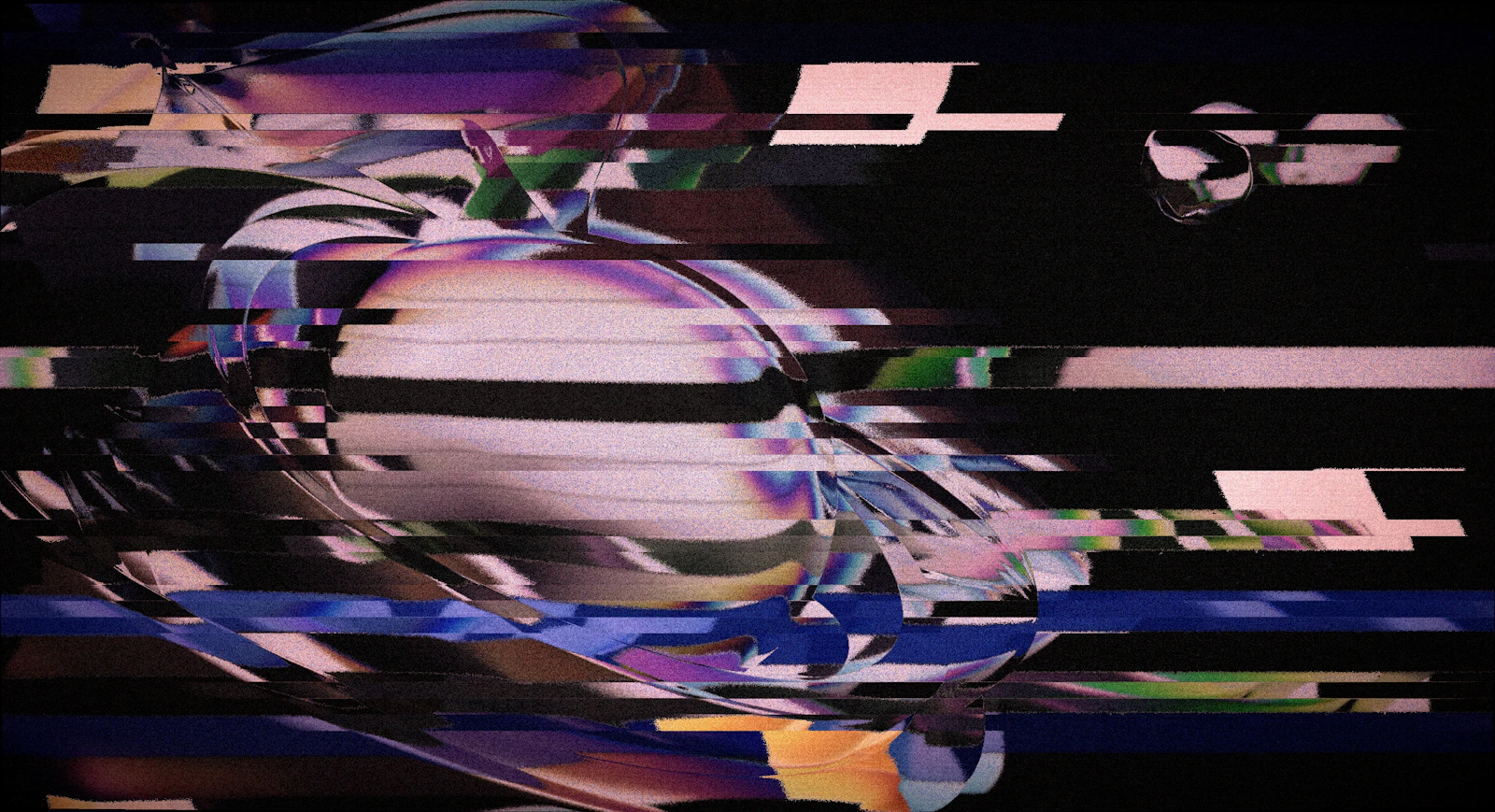
- Cover illustration: Egor Komarov / Unsplash.
Conceptual illustration of instability; not a measured AI-video test.
- Image licence — Unsplash
Free use, including commercial use, under the Unsplash License.